
Hypo Alpe Adria Banka je ime jedne od najvećih austrijskih banaka čije je poslovanje započelo davne 1896. godine pod nazivom Hypotheken bank, a koja se 90-ih godina 20. stoljeća počela širiti i na prostore izvan Austrije. Danas je poznajemo kao Addiko banku.
Otvorila je podružnice na području alpske i jadranske regije i sukladno tome promijenila ime u Hypo Alpe-Adria-Bank 2004. godine, a djelovala je u Hrvatskoj, Italiji, Sloveniji i Bosni i Hercegovini.
Slijedom ekonomske krize 2009. godine banka je ušla u velike probleme, a otkrivene su i mnogobrojne afere i skandali koji su utjecali negativno na njeno poslovanje i zbog kojih je u takvom obliku prestala postojati 2014. godine. Gotovo 70 podružnica brinulo je o stotinama tisuća klijenata s područja Europe.
2009. godine banka je upala u velike probleme, a rješenje problema je bila nacionalizacija banke od strane austrijske vlade. 5 godina kasnije banka je podijeljena u 3 dijela: balkanski dio počeo je funkcionirati kao Addiko banka, Italija je dobila svoju podružnicu, a ostale podružnice nisu dobile bankarske licence.
Ukupan gubitak Hypo Alpe Adria banke, uzrokovan širenjem na Balkan i kriminalom u poslovanju procijenjen je na čak 11 milijardi eura.
Ali kako je došlo do propasti ove prominentne austrijske banke u Hrvatskoj, čiju sanaciju na kraju plaćaju državljani Austrije jer je banku od propasti spasila sama austrijska vlada? Priču rasvjetljavaju novinari bečkog „Der Standarda“, Renate Graber i Andreas Schanuder, na čijim se otkrićima temelji i ovaj članak. Njihova knjiga „Akte Hypo-Alpe-Adria“ pokušava rasvijetliti što se i kako radilo u poslovanju ove banke, a informacije u ovom članku dolaze iz tog izvora.
U Hrvatskoj je 2011. godine izašla i knjiga Richarda Schneidera „Mjesto zločina“ koja se bavila Hypo Alpe Adria bankom i ovom aferom, a koju je izdala izdavačka kuća Jesenski & Turk.
Hypo Alpe Adria banka – afera koja nikada neće do kraja biti rasvijetljena
Kako bi neka banka uspjela opstati toliko dugo kao ova banka iako se većina njenog poslovanja temeljila na kreditima, hipotekama, sumnjivim pozajmicama i raznim kriminalnim radnjama vezanim uz nekretnine, morala je imati podršku moćnih i utjecajnih ljudi.
Nakon što je otkrivena stvarna pozadina njenog poslovanja, ona kriminalna, na vidjelo su izašla i imena svih ljudi koji su se na neki način okoristili njome i koji su održavali njeno poslovanje samo kako bi nastavili imati financijsku korist ili iz straha da ne budu otkriveni.
Prema tvrdnjama novinara u svibnju 2015. godine, među akterima navedena su imena poznatih bankarskih šefova, kao što su Wolfgang Kulterer i Günter Striedinger koji su kasnije i pravomoćno osuđeni za gospodarski kriminal, poduzetnika iz Hrvatske Vladimira Zagorca, Ivića Pašalića i Roberta Ježića, ali i političara poput Ive Sanadera, koji se također nalazi u zatvoru.
Prozvane su i gotovo sve nadležne austrijske financijske institucije koje su ignorirale mnogobrojna upozorenja o sumnjivom radu banke, a koja je navodno dodatno zataškavao i bivši župan austrijske pokrajine Koruške Jörg Haider.
Sramota vezana za upravljanje ovom bankom na žalost nije bila vezana samo uz financijsko poslovanje banke. Na vidjelo su izašle i degutantne informacije i priče o raznim pijankama i orgijama u koje su bili uključeni najviši službenici banke. Klijenti banke posebno su bili razočarani informacijom da je jedan od dvoraca u blizini Klagenfurta pretvoren u luksuzni bordel kojeg su posjećivali sumnjivi, ali bogati klijenti Hypo Alpe Adria Banke.
Hypo Alpe Adria banka afera još uvijek nije u potpunosti rasvijetljena iako je mnogo odgovornih završilo na izdržavanju zatvorske kazne, a vjerojatno nikada niti neće jer uključuje mnoge političke aktere koji žele zadržati svoj identitet skrivenim.

Hypo Alpe Adria afera i sudski procesi diljem Europe
Diljem Europe vodili su se (i još se vode) mnogobrojni sudski procesi kojima tužitelji pokušavaju dokazati kriminal u rukovođenju ovom bankom. Više o njima saznali smo putem raznih poslovnih portala, a vama donosimo sažetak ove napete priče.
Bivši predsjednik uprave Hypo Alpe Adria banke Wolfgang Kulterer osuđen je na 3,5 godine zatvora zbog zlouporabe položaja ali su uz njega na suđenju krivima proglašena i četvorica bivših čelnika ove austrijske banke.
Oni su 2009. godine smijenjeni sa svojih pozicija, a bivši šef trezora banke Christian Rauscher medijima je otkrio da su novci iz balkanskih podružnica (govorimo o milijunima!) dolazila u klagenfurtski trezor zračnim putem, bez ikakve kontrole, posebice ne carinske. Nakon toga novci su prebacivani u Lihtenštajn, državu koja je poznata kao porezna oaza.
Njegov iskaz uzrokovao je prvu veliku međunarodnu Hypo aferu.
Osim Hrvatske, financijskim makinacijama su se priključile i podružnice ostalih banaka u regiji. Tako je sudski proces u Sloveniji završen 2020. godine i to osudom četiri bivša rukovoditelja podružnice banke u Sloveniji koji su osuđeni su za pronevjeru i pranje novca.
Tužitelji su dokazali da je Hypo Alpe Adria banci nanesena šteta od 22 milijuna eura te da su rukovoditelji profit banke preusmjeravali na svoje račune skrivene u poreznim oazama. Osuđeni su na ukupno 26, 5 godina zatvora i moraju vratiti milijune nezakonito stečene imovine, tj. novaca koje su prali kroz poslovanje u Luksemburgu i Lihtenštajnu.
Hypo Alpe Adria banka – koji su glavni akteri u Hrvatskoj?
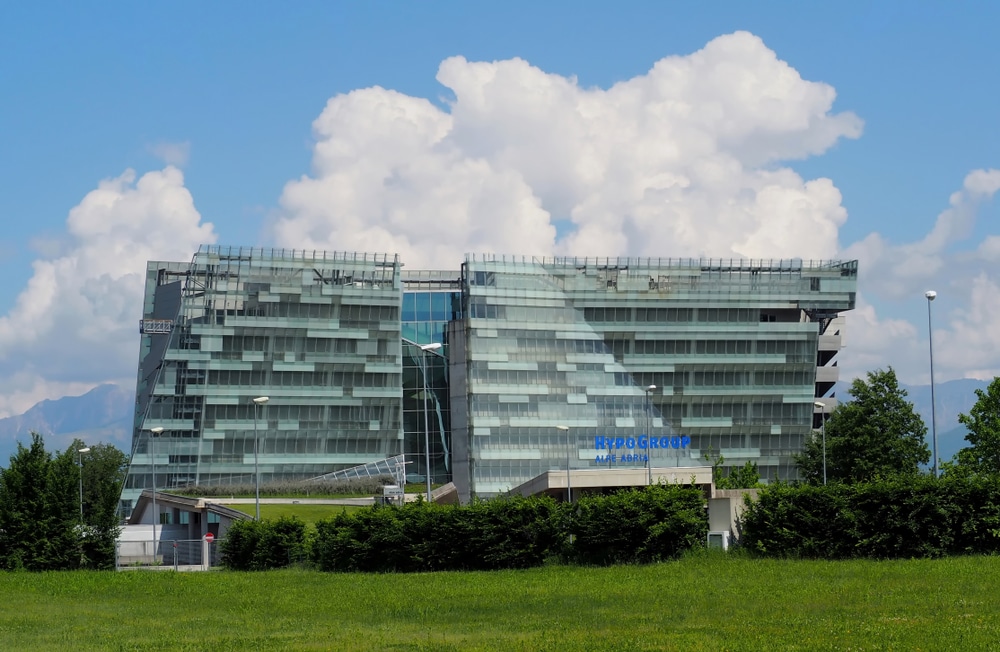
Što se tiče svijeta politike ubrzo je otkriveno da su glavna podrška sumnjivim aktivnostima bili austrijski političari predvođeni koruškim županom Haiderom u Austriji, dok su u Hrvatskoj za to navodno bili zaduženi političari od kojih su mnogi bili članovi HDZ-a.
Tužitelji smatraju da su veliki obol ovoj aferi dali Ivo Sanader, Ivić Pašalić i Vladimir Zagorec, ali se spominju i imena poput Romana Majetića i Tončija Huljića, vlasnika firme koja se bavi snimanjem sapunica, video spotova, glazbenih albuma, filmova i slično.
Za primjer je naveden navodni kredit koji je Tonči Huljić dobio od Hypo Alpe Adria, a koji je uzeo kako bi financirao snimanje prve hrvatske sapunice pod nazivom „Villa Maria“. Kredit nije imao potrebno osiguranje, a kada je 2007. godine njegova produkcijska kuća AVA zatrebala još novaca kredit je formuliran tako da se banka u slučaju nevraćanja kredita nema čime naplatiti.
Umjesto da se kao sredstvo osiguranja zatraži novac od prodaje prava na prikazivanje serije nije zatraženo ništa, čak štoviše, kredit je još mutnije formuliran.
Ivo Sanader i Hypo banka
Sudeći po člancima koji godinama kruže po portalima, Hrvatima je najzanimljivije da je u Hrvatskoj velik dio afere s ovom bankom gotovo zaboravljen, a tužiteljstvo se baziralo samo na jednog okrivljenika, Ivu Sanadera, dok su ostale osobe uključene u razne poslove s nekretninama i pranjem novca u potpunosti izostavljene.
Tako je bivši hrvatski premijer osuđen na zatvor u trajanju od 3 godine zbog uzimanja mita od Hypo banke koji je tada iznosio 3,5 milijuna maraka, a mito je navodno poslužilo kako bi hrvatska vlada upravo u Hypo Alpe Adria banci podignula velike kredite koje je trebala iskoristiti za kupovinu ambasada.
Iako nije utvrđeno tko je, kada i kako dogovorio ovu transakciju, tj. mito, Sanader je osuđen, ali osoba iz Hypo Alpe Adria banke koja mu je dala mito nije nikad otkrivena, niti joj je suđeno.
General Vladimir Zagorec i Hypo Banka
Prema pisanju online portala 24 sata u 2017. godini, jedan dio istrage bio je usmjeren i na Vladimira Zagorca, generala koji je postao poznat po krađi dragulja iz MORH-a, vrijednih 40 milijuna kuna. On je za tu krađu odslužio 7 godina zatvora, a vrlo je zanimljivo da je tražio da ih odsluži u ženskom zatvoru jer je tvrdio da se na muškom odjelu nalazi osoba koja ga želi ubiti.
Njega je Zemaljski sud u Klagenfurtu 2017. godine osudio na 2 godine zatvora za izvlačenje gotovo 18 milijuna eura iz bivše Hypo Alpe Adria banke.
Tužiteljstvo smatra i da se njegovo trenutno bogatstvo koje se sastoji od mnogih vrijednih nekretnina u Austriji (Zagorec danas živi s obitelji u Beču) bazira na poslovima koje je imao s ovom problematičnom bankom.
Tužiteljstvo je utvrdilo da je banka prekomjerno financirala Zagorca bez osiguranja i da je on prisvajao prekomjerne iznose za sebe. Financirali su čak 4 velika građevinska projekta koji su banku oštetili za 20 milijuna eura, a generala Zagorca obogatili. Na njegovim je računima u Lihtenštajnu pronađen tek dio ukradenih milijuna kojima je banka uspjela ući u trag i tako naplatiti barem dio njegovih kredita.
Ivić Pašalić i Hypo banka
Još jedno ime koje se tada spominjalo uz Hypo banku bio je i visoki dužnosnik HDZ-a Ivić Pašalić koji je također imao suradnju s Hypo Alpe Adria bankom i to kroz dizanje kredita za izgradnju stambenog naselja kraj Zagreba. Njemu je Hypo banka dala kredite od više desetaka milijuna eura, a tužiteljstvu nije bilo jasno koji su bili instrumenti osiguranja i na temelju čega je dobio tako veliki kredit.
Pašalić je na kraju sav dug Hypu morao vratiti u potpunosti, a to je i učinio ustupanjem dijela neprodanih stanova banci.
Prema pisanjima medija u 2019. godini, Ivić Pašalić, u Austriji je pravomoćno oslobođen optužbe u kraku afere Hypo banke nazvanom slučaj Hilltop.
Istarske malverzacije zemljištem i Hypo banka
Niti Istra nije bila izuzetak u sumnjivim poslovima ove banke. Čelnici Hypo Alpe Adria banke kupovali su parcele na iznimno popularnim lokacijama kao što su uvale Barbariga i Dragonera, a kupnju su umjesto čelnika obavljale dvije istarske tvrtke. Novac je nenamjenski potrošen, a banka je na karaju preuzela velik dio vlasništva nad tim tvrtkama i prodala ih dalje kako bi naplatila barem jedan dio od 80 milijuna eura koje su bankari „posudili“.
Afera nakon preuzimanja Slavonske banke
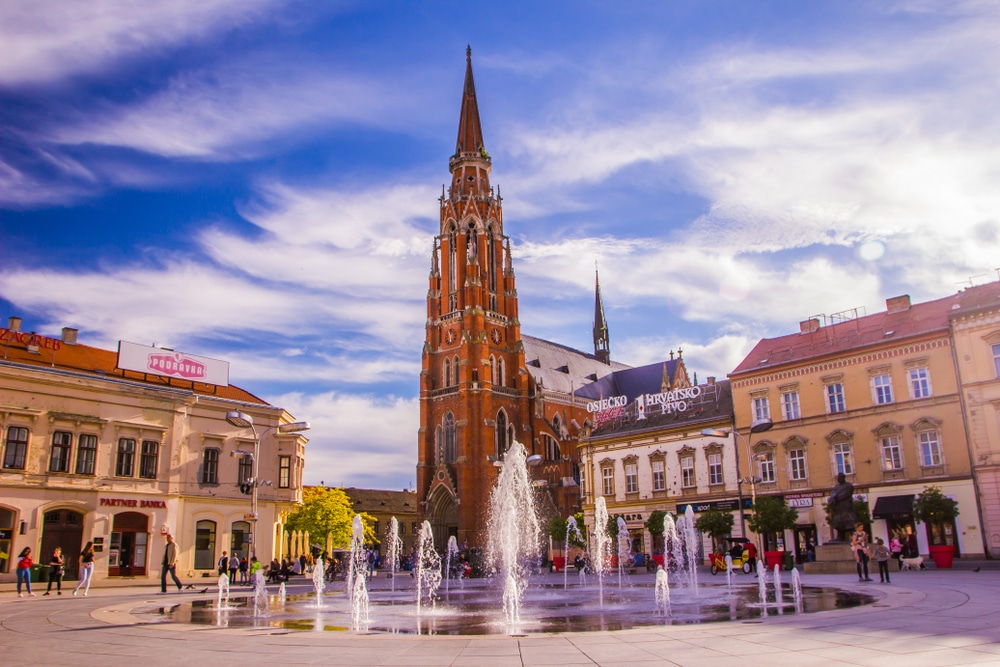
Još jedna činjenica nije osobito poznata javnosti, a to je da je Hypo banka svoju poslovnu ekspanziju na teritoriju Hrvatske započela u Osijeku, preuzimanjem Slavonske banke. Tek je kasnije utvrđeno da je Slavonska banka Hypo banci zatajila dio podataka o portfelju, što je kasnije palo na teret države pa su gubitak od 200 milijuna kuna koje je zatajila Slavonska banka na kraju platili država tj. porezni obveznici.
Istraga štetne prodaje hotela Alan u Starigradu
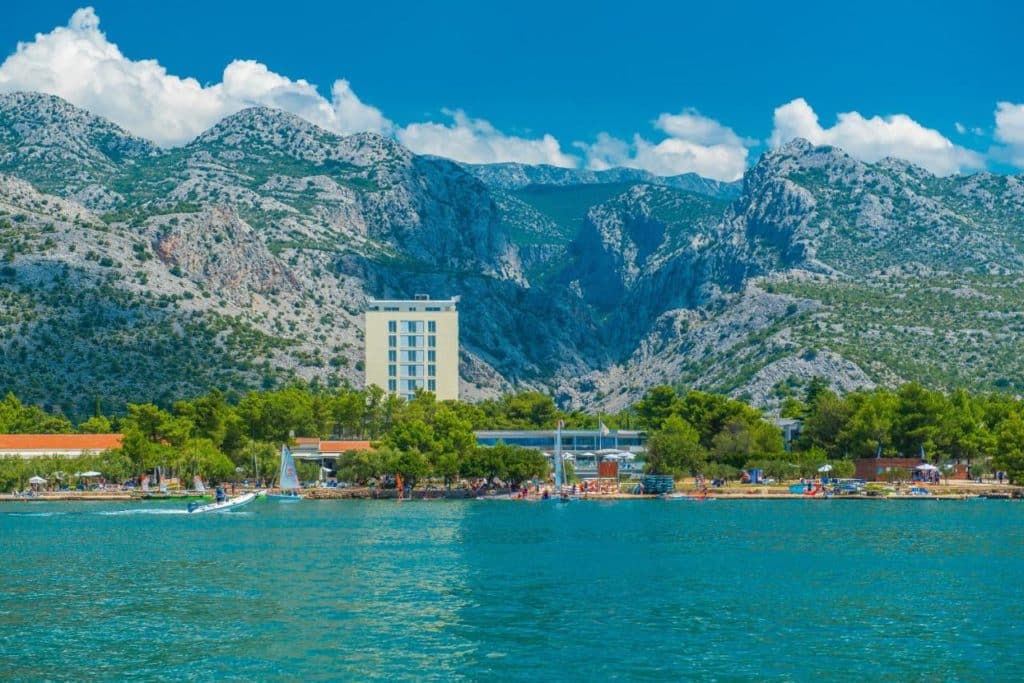
Prema pisanju dnevnog online izdanja Nacionala, 2007. godine županijski sud u Zagrebu započeo je istragu protiv velikog broja osoba uključenih u prodaju dionica hotela „Alan“ koji se nalazi u Starigradu kod Paklenice. Sud smatra da su dionice hotela prodane za 9 milijuna kuna, što je bilo 3 puta manje od njihove stvarne vrijednosti.
Velik dio optuženika su čelnici i službenici banke, ali i predsjednik i nadzorni odbor hotela. Hypo Alpe Adria zaista je banka koju okružuju mnoge tajne.
Ostali potencijalni sudski procesi
Austrijsko tužiteljstvo tvrdi da još nije gotovo s istragama vezanim uz ovu banku te da postoji još nekoliko sumnjivih poslova vezanih uz zemljišta i nekretnine. Među njima se najglasnije spominje investicija banke na Pagu pri čemu je otkriveno da je kupljeno šumsko područje odmah nakon kupnje pretvoreno u građevinsko čime se višestruko povećala njegova vrijednost. Spominje se i navodno mito u iznosu od gotovo 2 milijuna eura.
Iako je od početka Hypo afere prošlo mnogo godina još uvijek nisu otkriveni svi uključeni akteri niti vraćen veći dio novca kojeg je banka izgubila. Navodi u tekstu dio su knjige istraživačkih novinara „Der Standarda“, Renate Graber i Andreas Schanuder i njihovoj knjizi „Akte Hypo-Alpe-Adria“.
Vjeruje se da Hypo Alpe Adria afera nikada neće biti u potpunosti razotkrivena niti će svi njeni sudionici biti sudski procesuirani.